Why the Speakers Buzz: Ground Loops Explained for Non-Engineers
The keynote speaker steps up, the house system comes alive, and underneath every word there's a low, steady hum. It's not loud enough to stop the show, but it's loud enough that the client notices, the recording picks it up, and the FOH engineer spends the next ten minutes chasing it down instead of mixing. That hum almost always has a name: a ground loop. It's one of the most common audio problems in live events, and one of the easiest to misdiagnose if you don't know what's actually happening inside the cabling.
A ground loop happens when two pieces of equipment are connected by both a signal cable and a power ground, and those two ground paths sit at slightly different electrical potentials. Instead of a single, clean reference point, you get a loop — current flows through it, and that current induces a 50 or 60 Hz hum into your audio signal. It's not a defective speaker or a bad amp. It's a wiring topology problem, and it shows up most often when gear is powered from different circuits, different distro, or even different buildings sections, like when a video wall power supply and the front-of-house audio rack are fed from opposite ends of a ballroom's electrical system.
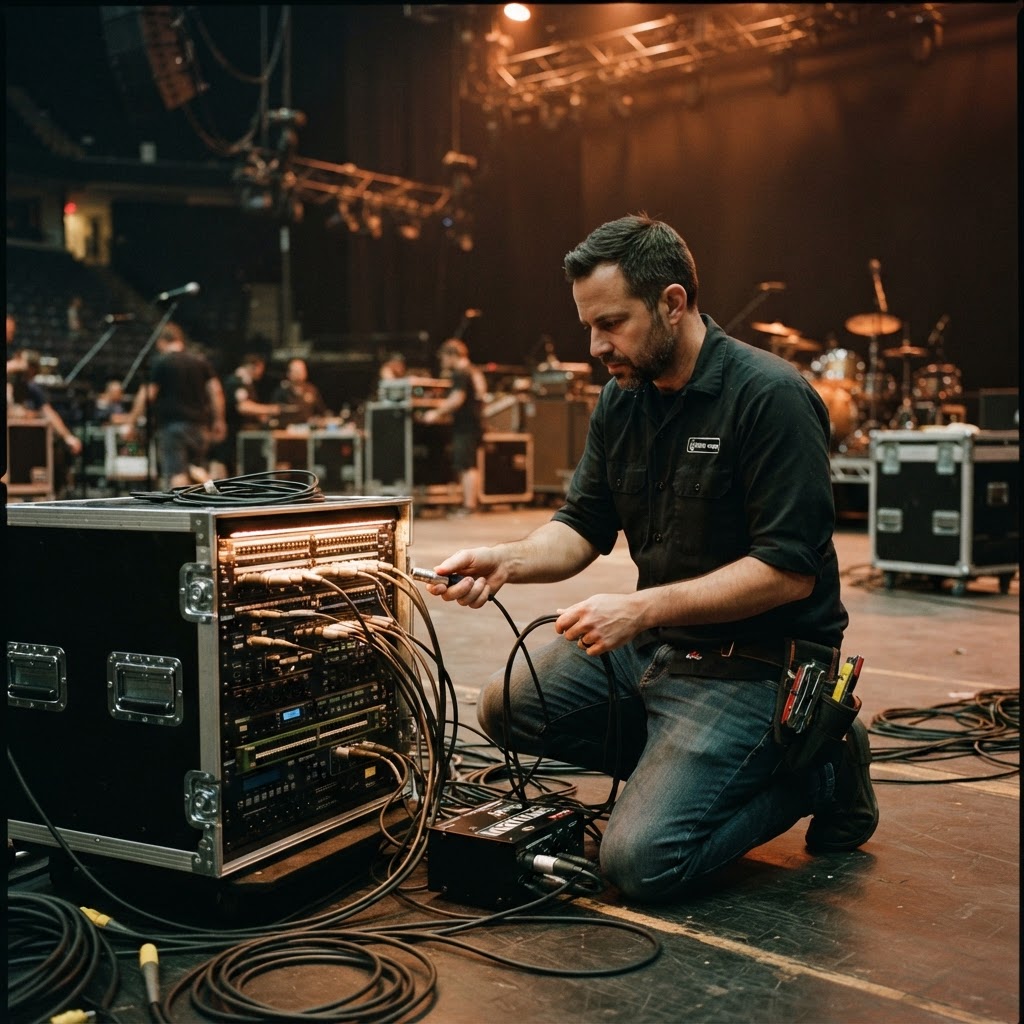
Unbalanced connections are where ground loops thrive. A standard TS instrument cable or a consumer-grade RCA connection has no rejection built in, so any voltage difference between the two grounded ends gets converted straight into noise. Balanced XLR and TRS lines use a three-conductor design that cancels out common-mode noise, which is exactly why professional audio production setups run balanced from the stage to the mix position whenever possible. If you're plugging a laptop headphone output or a cheap wireless receiver into a snake with an unbalanced cable, you've built a hum generator before the show even starts.
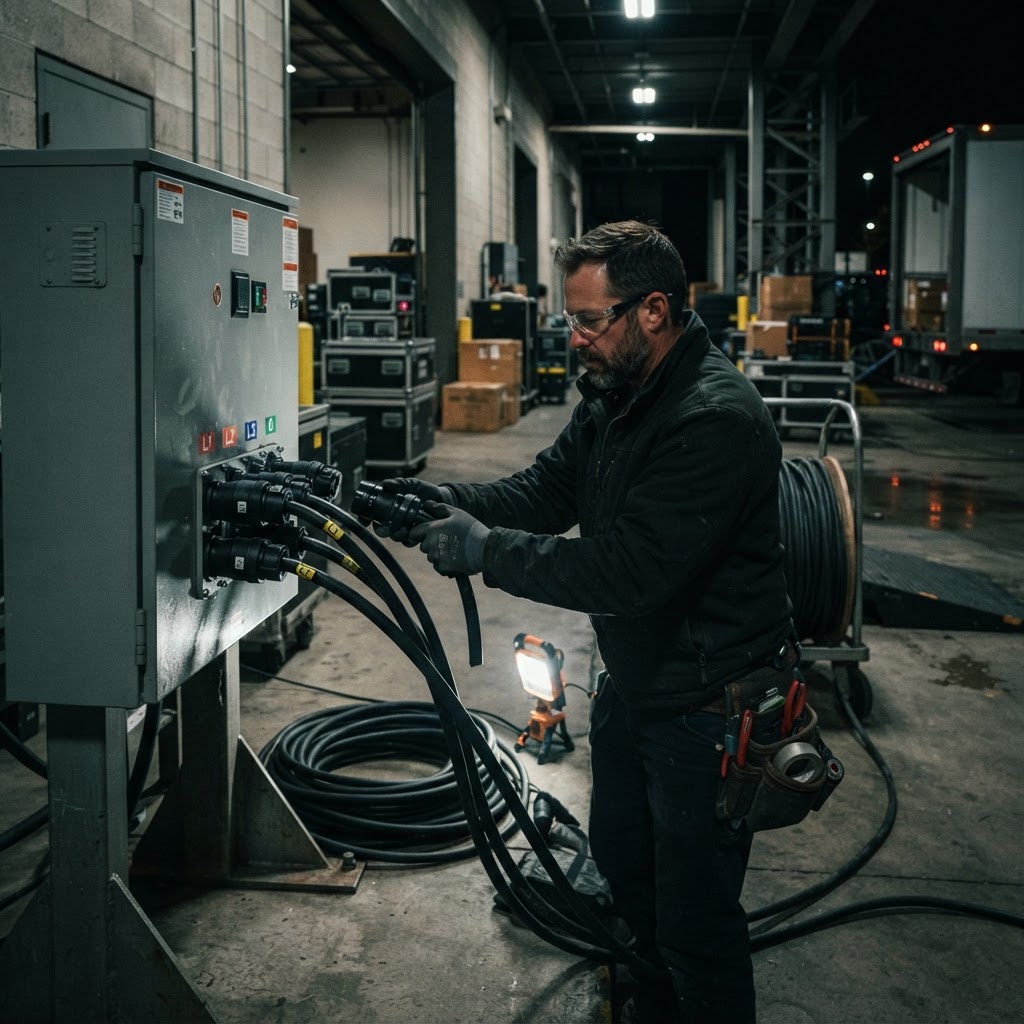
Lighting is a frequent culprit, and not because of anything wrong with the fixtures. Dimmer packs and moving light power supplies generate electrical noise on the AC line, and if that noise rides back through a shared ground with the audio system, it comes out as buzz, not hum — a dirtier, higher-pitched sound that tracks with lighting cues. This is one of the strongest arguments for running lighting design and audio on separate circuits off separate legs of distro whenever the venue power allows it. It's not overkill; it's basic isolation, and it's cheaper to plan for at the power drop than to troubleshoot at showtime.
LED walls add their own version of this problem. Switch-mode power supplies in LED panels generate high-frequency electrical noise that can couple into nearby audio cabling, especially when snake runs and LED power runs share a cable path along the floor. If your LED video walls and your audio system are both drawing from the same distro panel without separation, you're more likely to hear it. Keeping power and signal runs physically separated, and routing audio snakes away from LED power feeds, solves most of this before it becomes audible.
The standard fix for ground loop hum is a ground lift, but it has to be used in the right place. A DI box with a ground lift switch breaks the loop on the signal path — it lifts pin 1 of the XLR output while keeping the audio signal intact, and it's the first thing an engineer reaches for when gear buzzes. What you never lift is the safety ground on the AC power side. That ground exists to protect people from a fault condition, and defeating it to kill a hum is a shock hazard, not a fix. If a ground loop is coming from AC power rather than signal cabling, the real solution is an isolation transformer or restructuring the power distribution so everything shares a common reference point, sometimes called a star-ground topology.
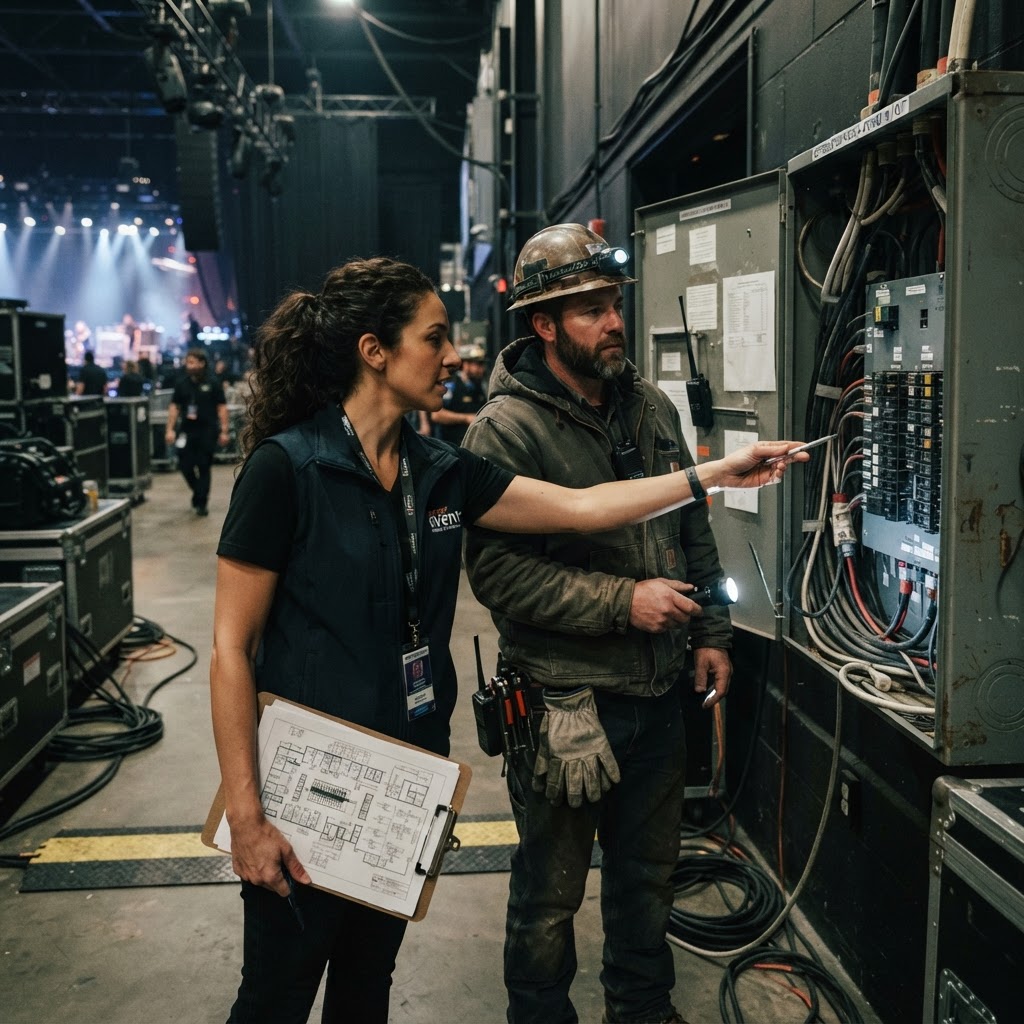
Diagnosing a ground loop on site is methodical, not mysterious. Start by isolating the signal chain: unplug one device at a time from the snake and see when the hum disappears. If it's tied to a specific DI or piece of backline, lift the ground at that DI first. If the hum persists across multiple inputs, look at the power distribution — are the audio racks, the lighting dimmers, and the video wall all pulling from the same camlock drop, or are they split across separate legs? A lot of touring engineers carry a cheater plug or an isolation transformer specifically for this, but renting equipment that's already properly isolated avoids the scramble; checking equipment rental options that include isolated DI boxes and clean power distro saves troubleshooting time on show day.
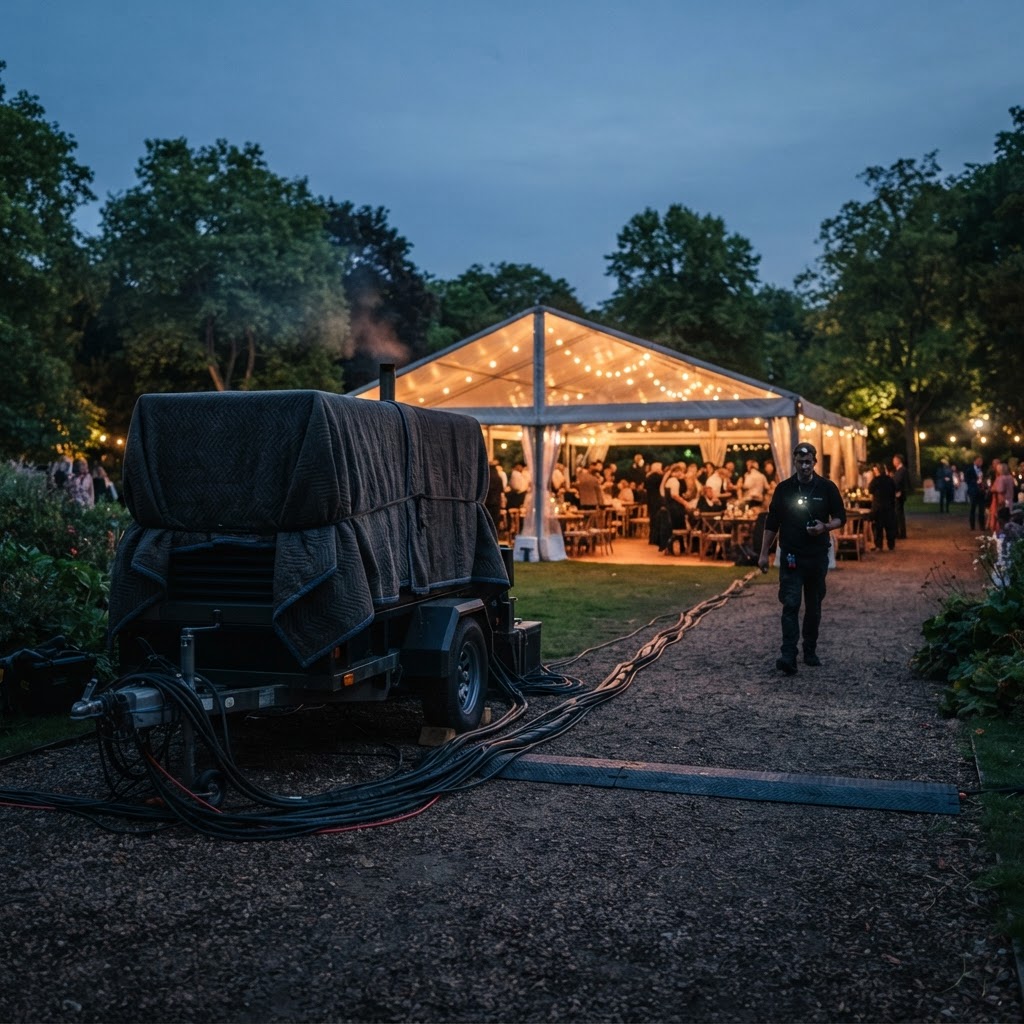
Corporate events and hotel ballrooms are particularly prone to ground loop issues because the house power in those spaces was built for lighting and banquet equipment, not for professional audio chains with long signal runs between stage, mix position, and recording. If you're planning a corporate event with a livestream or broadcast feed, a ground loop hum that's inaudible in the room can still get picked up by the camera audio or the stream mix, so it's worth having your AV team walk the power plan before load-in rather than discovering the problem during the actual keynote. Running a quick signal and power check through the event sound calculator during planning helps flag where circuit separation matters most for your specific room and gear list.
None of this requires an electrical engineering degree to manage well — it requires planning the power and signal paths with the same care you'd give the run of show. Separate circuits for lighting, audio, and video, balanced connections wherever signal travels more than a few feet, and DI boxes with ground lift switches on hand cover the vast majority of cases. The hum isn't random, and it isn't bad luck. It's a predictable result of how electricity and signal cabling interact, and once you know the pattern, it's one less thing that can derail a show.