LED Wall Refresh Rate and Genlock: What You Need for a Camera-Ready Backdrop
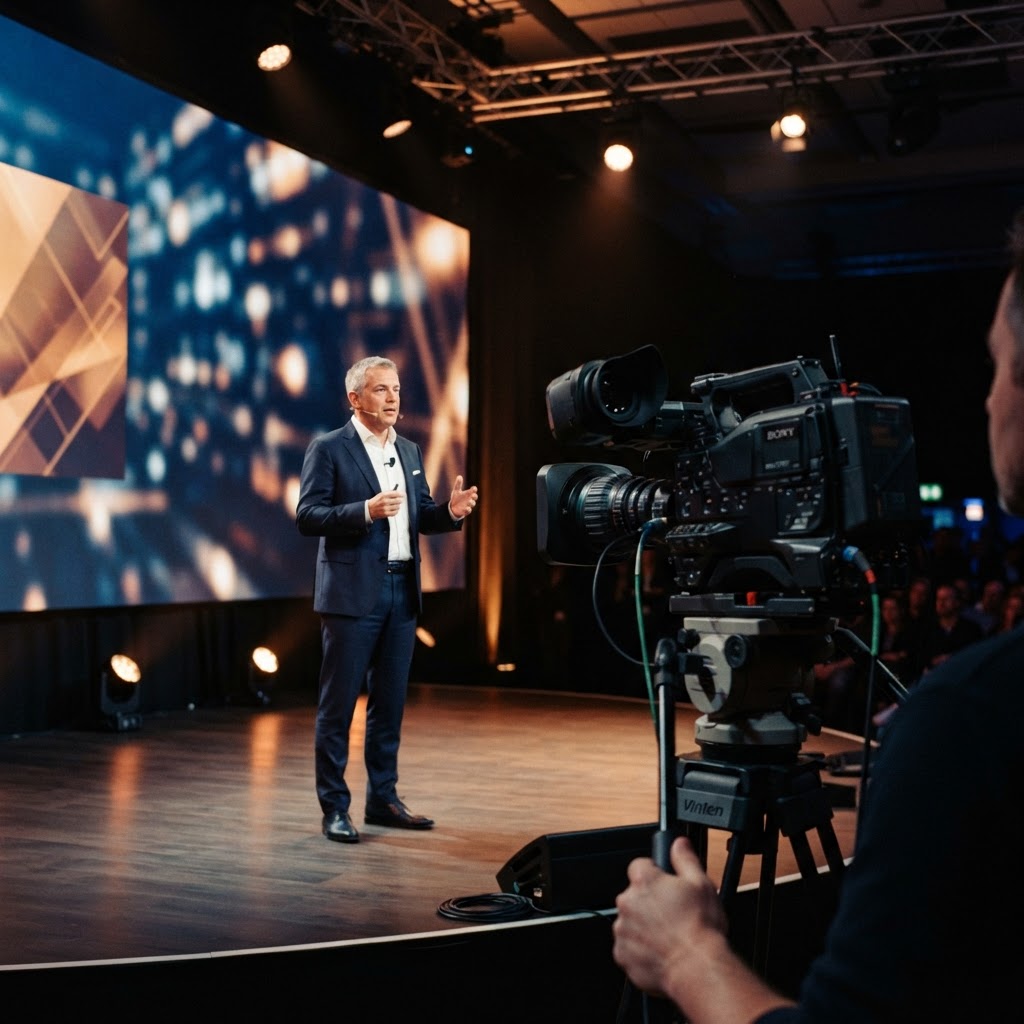
A wall that looks perfect to the naked eye can fall apart the second a camera points at it. Bands roll across the panels, colors shift, edges flicker — and nobody notices until playback. If any part of your event is being filmed, livestreamed, or projected to an overflow room, refresh rate and genlock deserve as much attention as pixel pitch, because they're the two specs that decide whether your LED wall reads clean on camera or turns into a visible problem in the recording.
Refresh rate is how many times per second the LED panel redraws its image, measured in hertz. Cameras capture in frames per second, and every camera has a shutter speed that determines how long each frame is exposed. When the LED wall's refresh rate isn't a clean multiple of the camera's frame rate and shutter angle, you get rolling bands moving across the footage — the same effect as filming an old CRT monitor. A wall built for live in-person viewing might run at 1920Hz and look flawless to an audience, but drop to visible banding at 200fps slow motion or even standard 24fps cinema capture with a narrow shutter angle. If a client mentions broadcast, livestream, or any recorded output during planning for event production, refresh rate needs to be on the spec sheet before panels are booked.
The fix starts with matching panel refresh rate to your camera's actual frame rate and shutter speed, not a generic number. Standard corporate livestream at 30fps with a 180-degree shutter needs a different minimum refresh than a concert being shot at 60fps for broadcast or a fashion show captured in slow motion for social content. Panels rated for high refresh — 3840Hz and above — give you headroom across most camera setups, which is why broadcast-grade LED tends to cost more than wall built purely for live audience viewing. If you're speccing a wall through the LED video walls team, tell them every camera and frame rate involved, including any smartphone content capture planners often forget to mention until load-in.
Genlock is the second piece, and it solves a different problem than refresh rate alone. Genlock synchronizes the LED processor's timing signal to the camera's timing signal, so both are refreshing in lockstep rather than independently. Without genlock, even a high refresh-rate wall can produce subtle flicker or tearing because the camera shutter and the panel's draw cycle drift in and out of phase over the course of a shoot. Broadcast trucks, virtual production stages, and any multi-camera livestream setup should run genlock between the video processor and camera system as standard practice, not an upgrade. This is a conversation to have early with whoever's running your audio production and video integration, since genlock touches the same signal chain as camera switching and program feed.
Pixel pitch still matters here, but the calculation changes when a camera is involved. A wall viewed by a live audience from 20 feet back can run a wider pitch and still look sharp, but a camera parked 8 feet from the wall for a tight interview shot will resolve individual pixels at that same pitch, creating a screen-door or moiré pattern in footage that the human eye never caught live. Moiré shows up worst on fine patterns — pinstripe suits, herringbone jackets, thin horizontal lines in on-screen graphics — interacting with the panel's pixel grid. Running the LED wall calculator with your actual camera position, not just audience seating, gives a more honest read on whether your pitch choice will hold up in the edit.
Color calibration is the quieter issue that still shows up loudly on camera. LED walls and camera sensors don't always agree on how they render color temperature, and a wall that looks neutral white to the eye can read slightly green or magenta through a camera sensor, especially under mixed lighting from stage fixtures. Calibrating the wall's color output to match camera white balance — and locking your lighting design color temperature to the same target — keeps skin tones and brand colors consistent between what the room sees and what the stream sees. Skipping this step is a common reason corporate livestreams look slightly off in a way clients can't quite name but definitely notice.
Content playback frame rate needs to match too. Video content built at 30fps and played back on a wall running at a different internal frame rate can introduce judder that's invisible live but obvious on a recorded feed, particularly during camera pans or when the wall itself is on a moving truss. Work backward from your final delivery format — livestream, broadcast archive, social cutdowns — and build content at that frame rate from the start rather than converting after the fact. This matters most for corporate keynotes and product launches where the recorded version often gets more views than the live room does.
None of this is a reason to over-spec every wall for broadcast standards when the event only needs live-audience impact. A private event or wedding reception backdrop with no camera plan doesn't need genlock or premium refresh rates, and paying for that spec is wasted budget. The decision point is simple: if a camera is pointed at the wall for anything beyond a phone photo, ask about refresh rate and genlock before the panels are ordered, not after the footage comes back with bands running through it. Get that conversation into the production call early, alongside power distribution and rigging plans, and the wall does its job in every format it's asked to perform in.